ShopDreamUp AI ArtDreamUp

Deviation Actions



Description
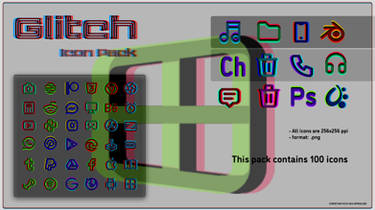
I just got my hands on the wonderful PSP Theme maker and thought i would give it a try. Let me know what you think
the background Photo was done by the talented ~whatisashayna
Installing PSP themes
1: download the Theme
2: connected the PSP to your computer
3: put your PSP into USB mode
4: open the PSP/THEME folder (if there no THEME folder, create it)
5: move the theme into that folder
the background Photo was done by the talented ~whatisashayna
Installing PSP themes
1: download the Theme
2: connected the PSP to your computer
3: put your PSP into USB mode
4: open the PSP/THEME folder (if there no THEME folder, create it)
5: move the theme into that folder
© 2008 - 2024 Xeno-striker
Comments67
Join the community to add your comment. Already a deviant? Log In

luv it